

WordPress Multisite is a unique way to manage many similar or interconnected websites in a single administration dashboard. However, an area many may overlook when considering Multisite is the management of users across their many subsites. There are some advantages, such as single sign-on for those with access to multiple subsites. But there are also some features that become more complex. Below we will explore the different facets to User Management with WordPress Multisite.
Multisite User Registration
In the Network Admin area of your WordPress Admin Dashboard, you can select “Settings,” and scroll down to “Registration Settings” to allow users to register.
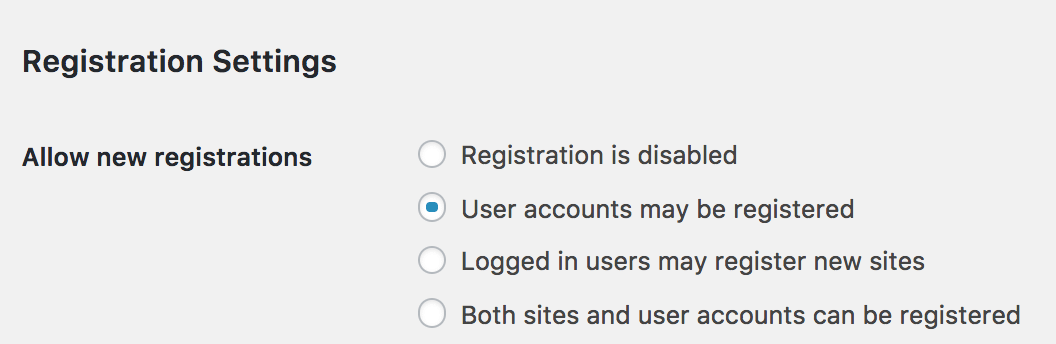
Select “User accounts may be registered” to allow users to register as “Subscribers” to your subsites. You can also allow users the ability to register their own new subsites, if desired. In most situations you will want to simply allow for user accounts to be registered.
If registration is enabled, users will see a Register option on the front-end of your website.
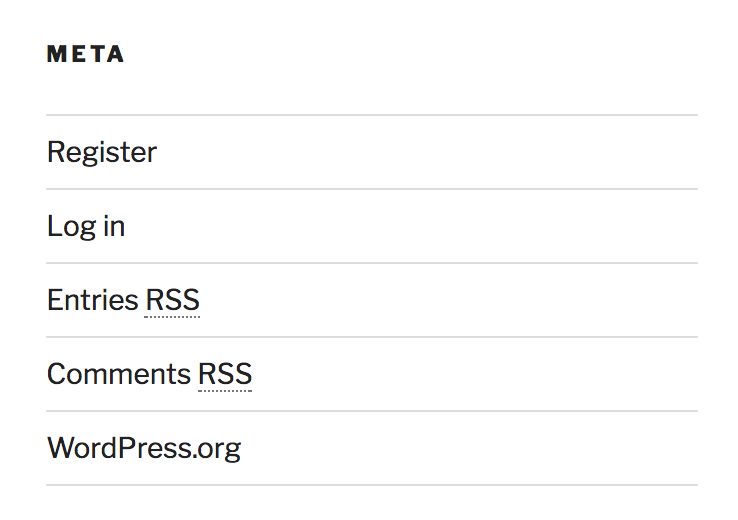
When users register, they will be prompted to create a username and enter their email address. After confirming their registration via email, users can then set their password, and use the Login button to manage their profile.
Multisite User Roles: The Super Admin
In WordPress Multisite, the same WordPress user roles exist:
- Subscriber (front-end only)
- Contributor (edit and delete abilities only)
- Author (publish, add, edit, delete, upload)
- Editor (publish, add, edit, delete, upload their and others’ posts and moderate comments)
- Administrator (manage plugins and themes, add, edit, and delete users, manage posts, pages, and uploads)
But there is a new User Role to consider when it comes to WordPress Multisite: The Super Admin. Remember, with Multisite you have many subsites within your network. The Super Admin has Administrator-level access to them all, as well as the ability to add new sites and manage network-level settings. Since this user has access to all settings network-wide, you should be very careful when considering who has Super Admin privileges. You can still add other users as an Administrator to every subsite, without giving them Super Admin access to edit the network settings.
Multisite Shared Users
When a user registers on one of your sites, they are registered for all sites within your Multisite. So when they login, they will also be able to navigate to your subsites while remaining logged in. To understand the benefit of this, think of a forum website like Reddit. Instead of having to create a new profile for every subreddit forum, users only need to login once, and their username and login session persists across all subreddits.
This is one of the common reasons you might choose to use a Multisite configuration: if users need to be registered for all subsites at once, Multisite makes this process easy.
Manage Multiple User Registration Per Site
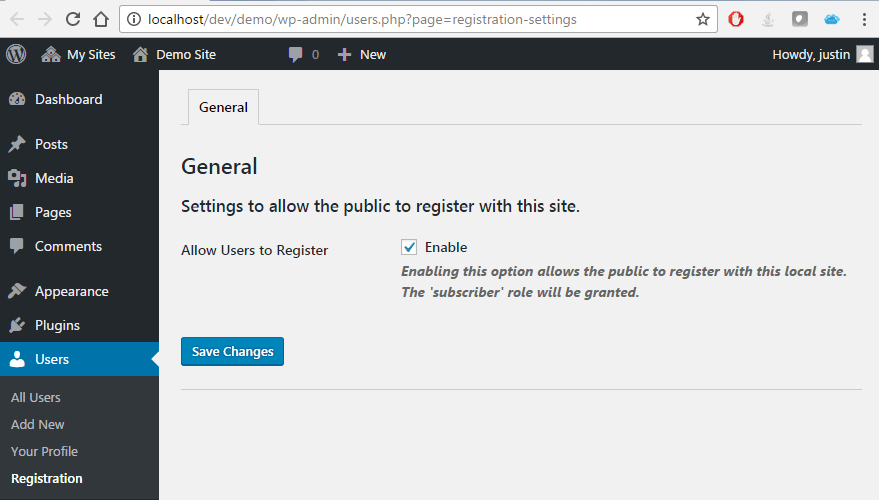
By default, WordPress only allows front-end user registration to be enabled for all sites, or none, as this is controlled in the Network Admin screen. However, the Network Subsite User Registration plugin allows this ability to be managed at the subsite level, if you choose. With this plugin, you can manage whether users are able to register on subsites on a per-site basis.
How to Add Users to Multiple Sites
One of the benefits to managing a number of websites from the same Network Admin Dashboard is the ability to easily add the same Admin user to multiple subsites.
Under My Sites > Network Admin > Sites, select one site to which you would like to give a user access. Select the Users pane, then enter the username and choose the user level:
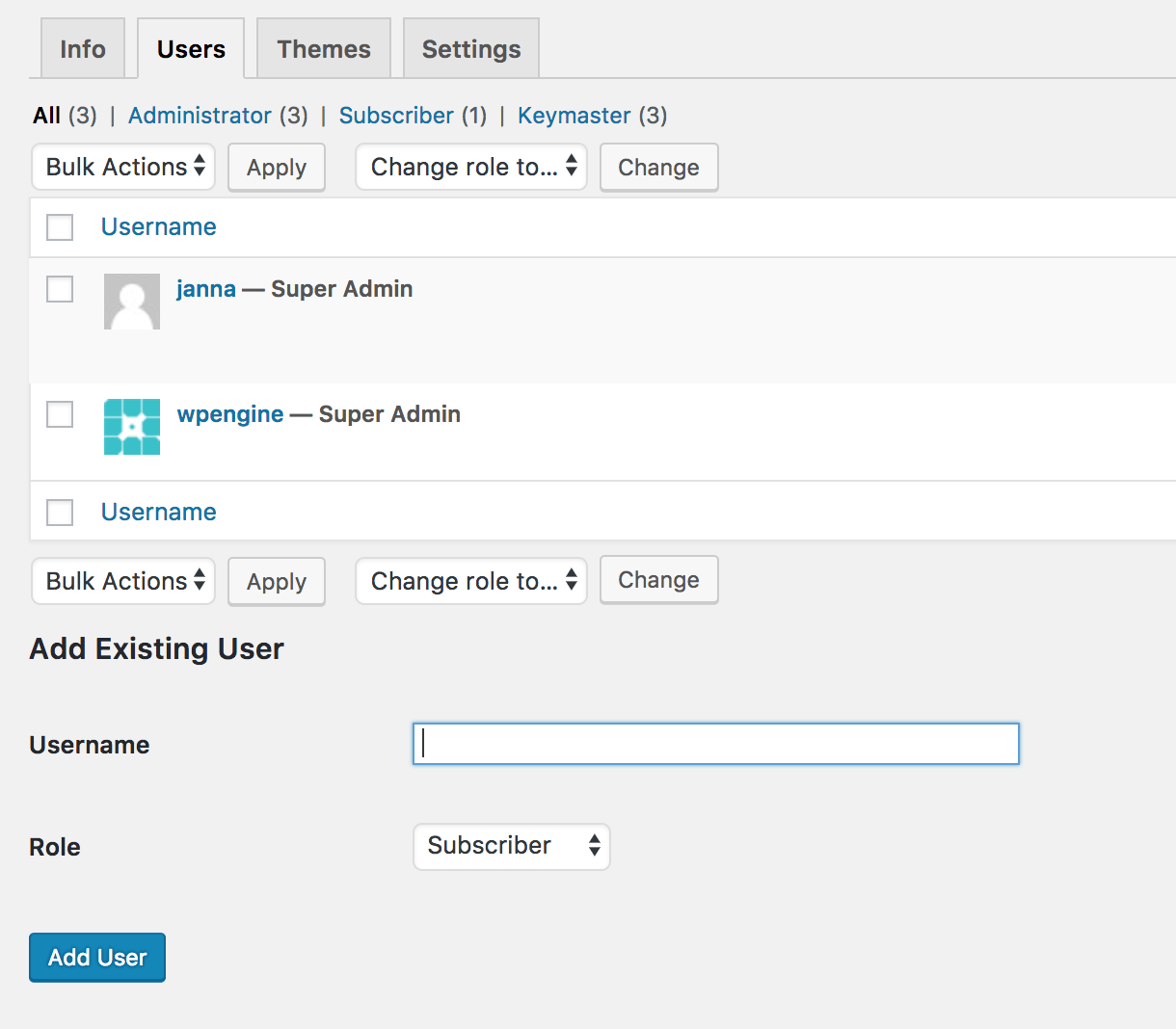
Or, if your user hasn’t been added yet, you can add them using the section below instead:
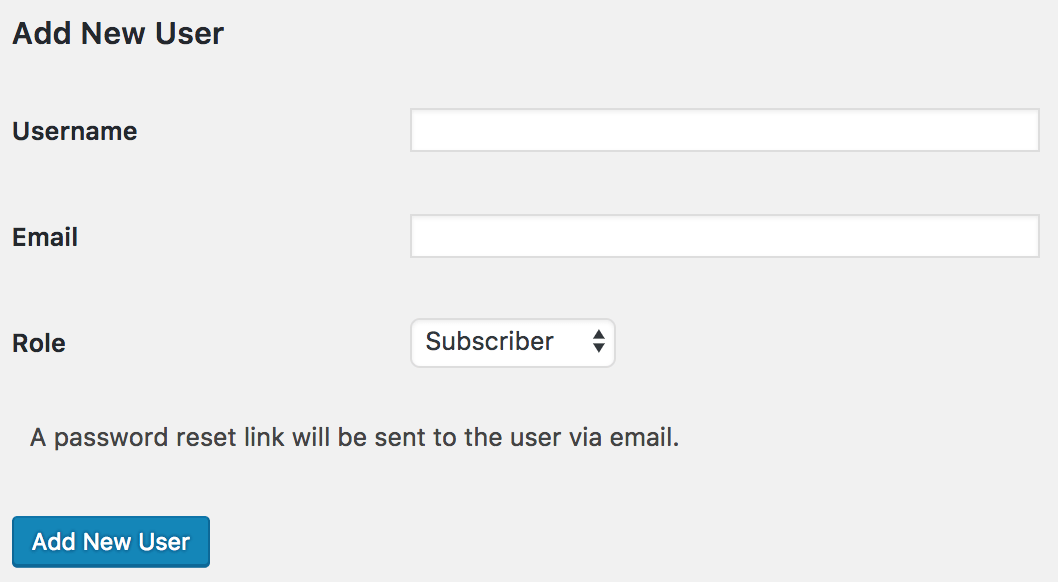
You can repeat these steps for any sites to which this user should be added. Then, when the user logs into one of the sites, they can navigate to the administration screens for any sites for which they have Contributor access or higher.
Multisite User Management WordPress Plugins
There are many reasons you may decide to use WordPress Multisite, and no two sites have exactly the same needs. It is likely that you will need to extend the capabilities of WordPress Multisite using plugins in order to manage users in the way you wish. In this section we will cover several plugins that help with User Management for WordPress Multisites.
WP Multisite User Sync
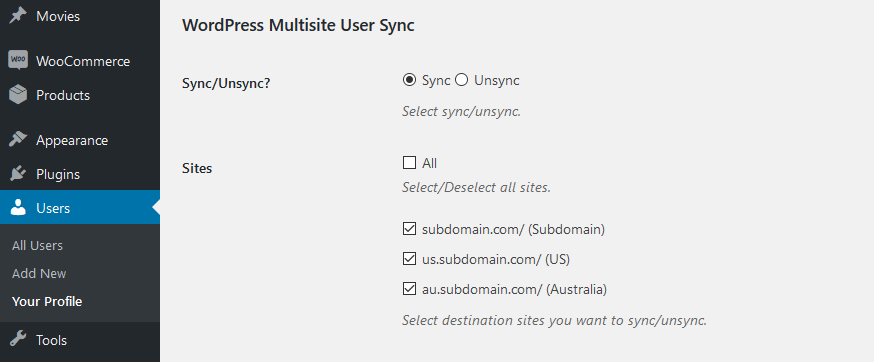
The WP Multisite User Sync plugin allows you to easily sync or un-sync a user or multiple users from one site to another. The Pro version of the plugin also allows the ability to choose the user role the user receives when syncing.
source: wordpress.org
Multisite User Role Manager
The Multisite User Role Manager plugin lets Super Admin users easily manage users and sites from one pane in the Network Admin area. It also allows you to add users (with a specific role) to all subsites, if needed. This plugin can be used to easily wrangle the confusing facets of user management when it comes to Multisite.
Duplicator
The Duplicator plugin is easily one of the most helpful plugins for Multisite. Its main purpose is cloning one subsite to another within your Multisite, and this can include the users associated with the subsites. Duplicator is an easy, one-click solution for what would otherwise be a very manual and tedious task.
Ultimate Member
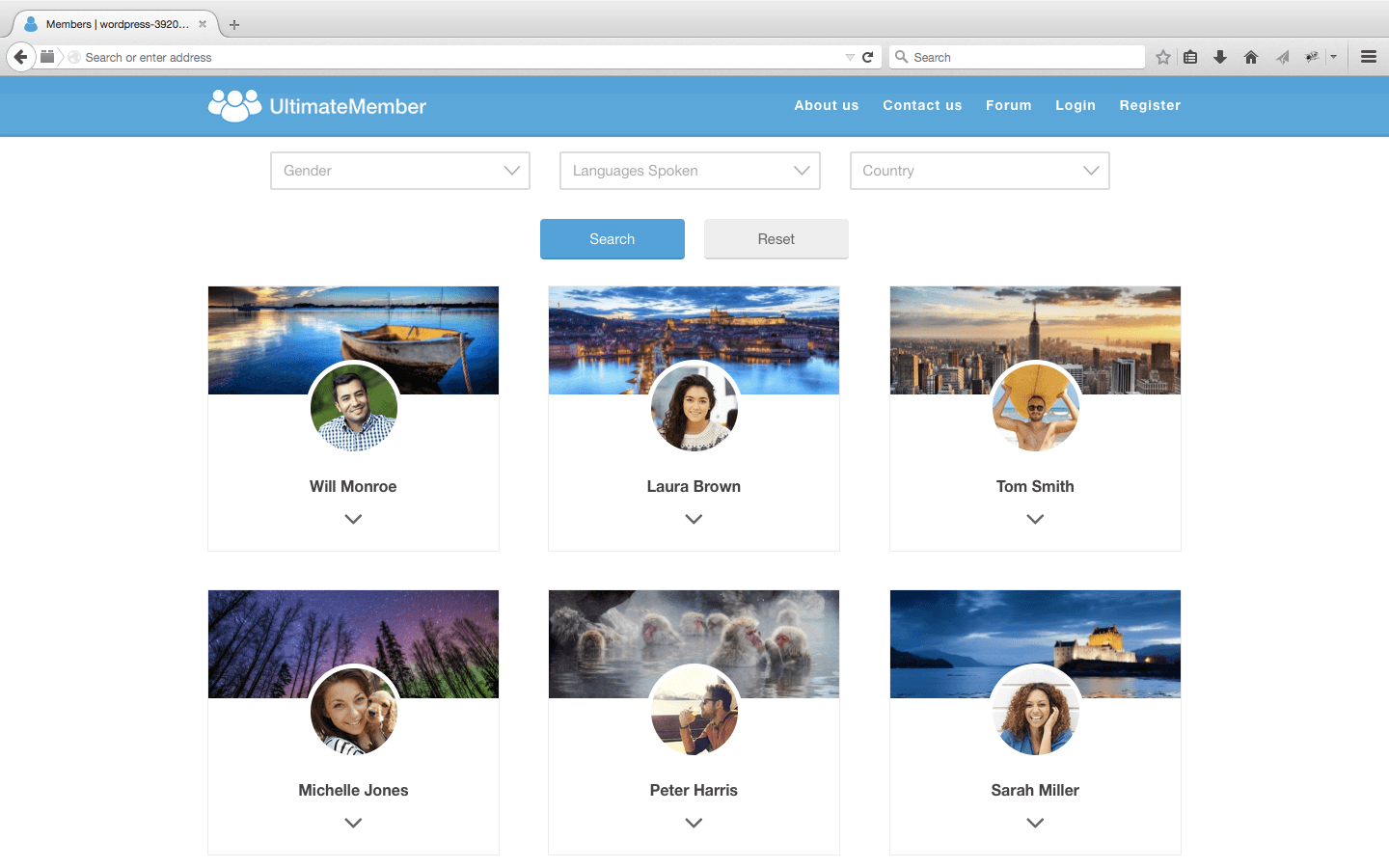
The Ultimate Member plugin is a great asset to membership and forum sites, both for standard WordPress sites as well as WordPress Multisites. Its easy-to-use front-end editor with drag and drop boxes makes it simple to design your website and the front-end registration system for your users. Tools like this one make members of your site invested in creating a custom profile and keep them coming back for more. With extensions, users can even favorite items, follow each other, and rate and review each other.
source: wordpress.org
WP Engine and Multisite
As a finely-tuned Digital Experience Platform, WP Engine offers Multisite for those who need the ability to create a network of interconnected websites. Their team of WordPress experts is online to help you 24/7 with any questions you may have about the complexities of Multisite, or the management of users within your Multisite. Best of all, WP Engine offers the ability to convert your standalone website into a Multisite in a single click of a button in your User Portal. That’s why we recommend WP Engine for your WordPress Multisite hosting needs.